
Product details
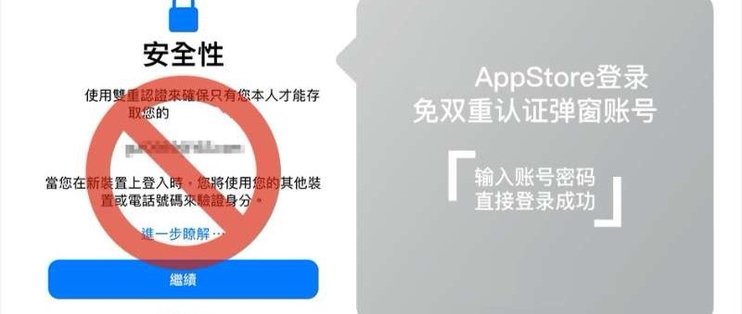
1. After configuration, logging into the App Store will not prompt for phone binding for two-factor authentication.
2. Make sure iCloud has been activated on the Apple ID.
3. If iCloud has not been activated, method: log in directly to iCloud to activate it.
4. After this configuration bypasses two-factor authentication, it can only last for one month. After it expires, it needs to be redone, and the fee must be paid again.
5. This service is suitable for users who need shared accounts. If there is no sharing need, users are advised not to purchase this service.
Purchase and delivery
Read the product details before orderingDelivery method
This product requires manual processing after payment.
About this product
This service handles an App Store sign-in prompt and requires an Apple Account with iCloud enabled.
After-sales terms
This product’s specific terms take precedence. Otherwise, first-login issues are covered for 24 hours; reasons unrelated to the product are not eligible for returns or exchanges.
Order lookup
After payment, use Order lookup to check the status and delivery details.
Frequently asked questions
How long does the result last?
The product details say about one month. A new paid service is needed after it expires. Check that your Apple Account has iCloud enabled before ordering.



 Telegram bot
 Scan for bot